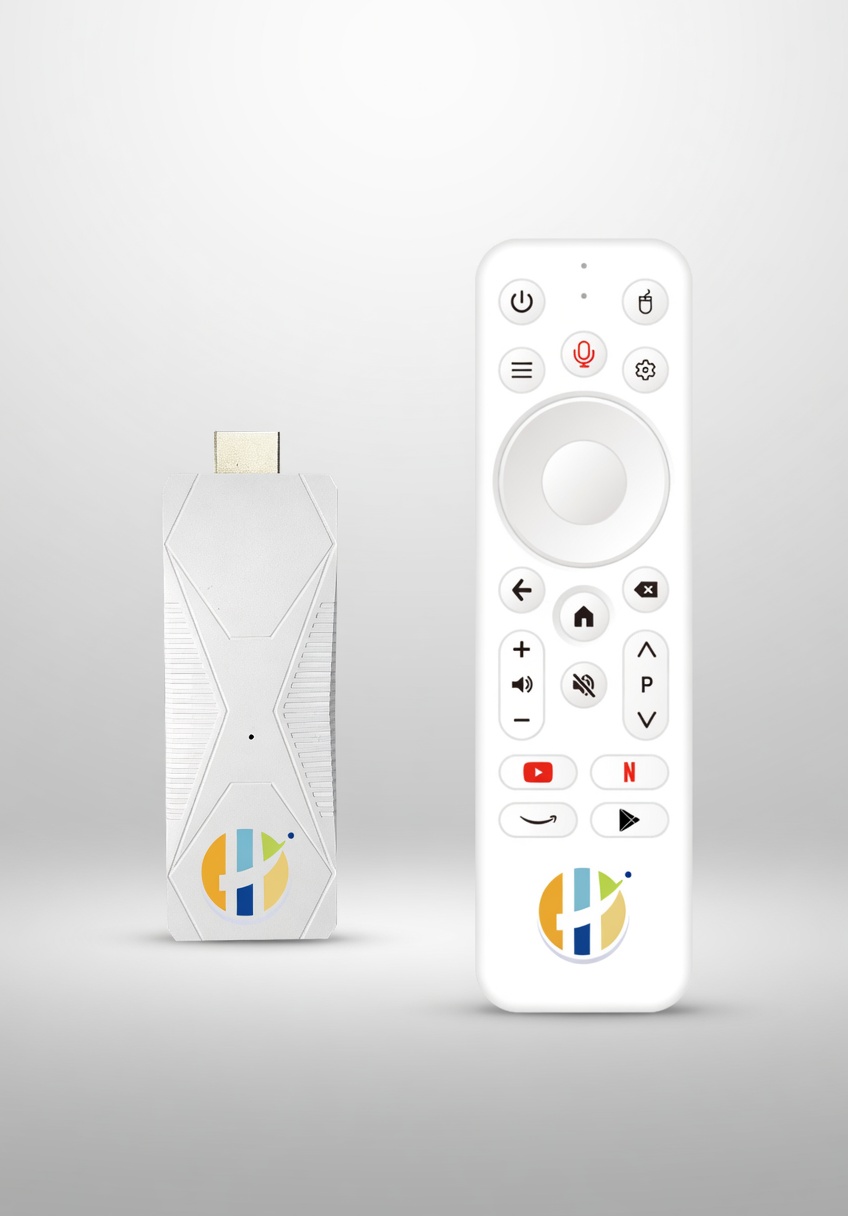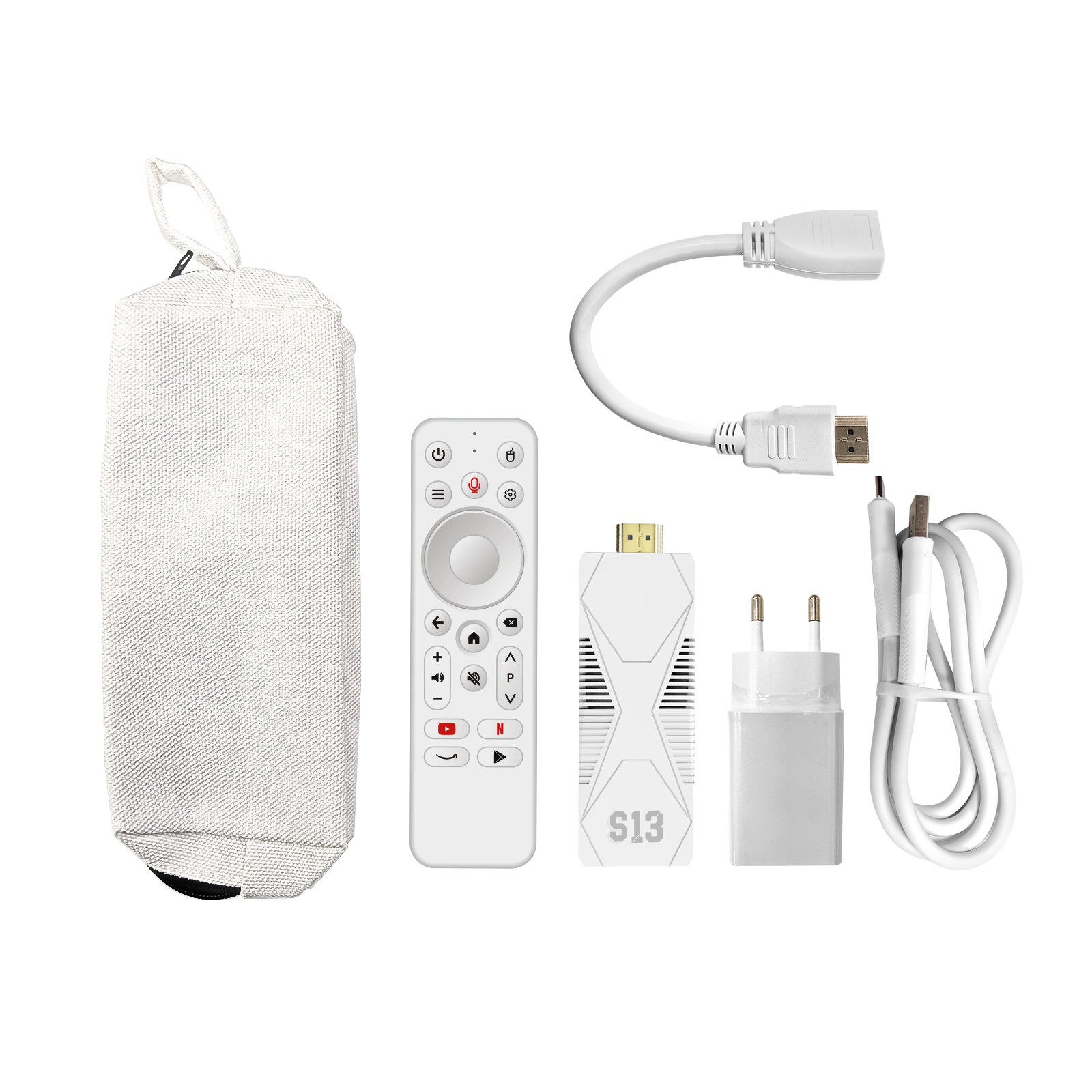
Turn any HDMI TV into a full smart streaming machine. Powered by Android 14 with a quad-core processor, 4K HDR output, dual-band WiFi, and a voice remote — the perfect companion for SwishIPTV.
Get SwishIPTV running on your Amazon Firestick in minutes. Follow these simple steps to sideload your IPTV app and start streaming 18,000+ live channels.
Get Your CredentialsThe most popular IPTV player. Clean interface, Xtream Codes support, EPG guide, and multi-screen layout — perfect for beginners and power users alike.
A premium-feel IPTV player loved for its polished TV-style interface. Ideal for users who want a traditional EPG layout and advanced recording features.
On your Firestick, go to Settings → My Fire TV → Developer Options and turn on Apps from Unknown Sources. This allows you to sideload apps not available in the Amazon App Store.
Search for Downloader in the Amazon App Store and install it (it's free). This app lets you download APK files directly to your Firestick from any URL.
Once installed, open Downloader and go to Settings → turn on Allow JavaScript.
Open Downloader and enter the following URL in the address bar to download IPTV Smarters Pro:
https://www.iptvsmarterspro.com/download
Alternatively, to install TiviMate, use:
https://tivimate.com/download
Follow the on-screen prompts to install the APK. When asked, tap Install then Done.
Launch IPTV Smarters Pro (or TiviMate) from your apps. Select Add User / Add Playlist and choose Xtream Codes API (recommended).
Enter the following details using the credentials emailed to you after purchase:
http://proxpanel.me:8080Tap Add User to load your channels. This may take a minute while the channel list syncs.
Your channels will load automatically. Browse by category — Sports, News, Entertainment, Movies and more — and enjoy 18,000+ live channels in crystal-clear quality.
Need help? Contact our support team and we'll get you sorted within minutes.
Use these details when setting up your IPTV app. Your personal username and password will be sent to you by email after purchase.
Don't have credentials yet? Get them here — setup takes under 5 minutes.
Order the SwishStick 4K and we'll throw in 12 months of live TV and our entire Lifetime VOD platform at no extra charge. Pre-configured out of the box — plug in and you're streaming in seconds.
Get your SwishIPTV credentials and be watching live channels on your Firestick in minutes.
Get Your Credentials